
Everything you need to stay part of the community
SaadatFace brings together the tools a college community actually uses — profiles, posts, department groups, and secure account management — in one focused app.
Profiles
Create a profile with your department and batch so classmates and alumni can find and recognize you.
Posts & comments
Share updates, photos, and announcements, and discuss them with the community through comments.
Reactions
React to posts from classmates and community members to show support with a single tap.
Department communities
Join your department's community space to see posts and discussions relevant to your field.
Batch & classmate finder
Search by batch year and department to find classmates and reconnect with people you studied alongside.
Notifications
Get notified about replies, reactions, and updates from the communities and people you follow.
Events
See reunions, seminars, and college programs shared by the community, with details on where and when.
Notices
Browse announcements and notices shared within the community, organized so they're easy to find later.
Secure account management
Manage your account, password, and privacy settings with security controls built into every profile.
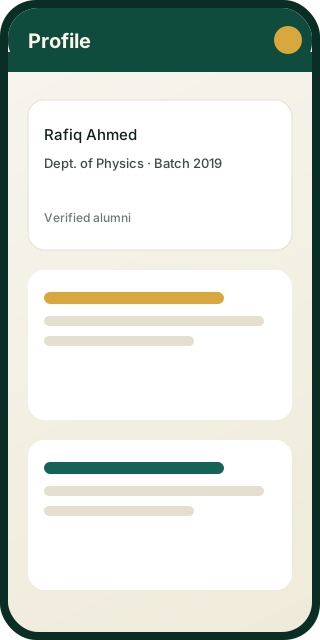
A verified badge that says this is really them
Optional account verification helps the community trust who they're connecting with. Verified profiles display a badge, similar to verification badges you'd recognize from other social platforms.
- ✓Badge shown on your profile once verified
- ✓Helps distinguish genuine alumni and student accounts
- ✓Reviewed as part of our account management process
See these features in the app
Download SaadatFace and set up your profile in a few minutes.